The best everyday accessories are the ones that fix a problem you run into repeatedly, such as a cable tangled at the bottom of your bag, keys that scratch your phone, or a battery that dies before you get home. Whether a particular accessory is worth having depends on that problem, on what you already own, and on how much weight and bulk you are willing to carry every day.
This guide groups common accessories by the problem they solve, explains what to check before buying each type, and ends with a short checklist. It is an editorial guide built on manufacturer and standards-body documentation. We have not tested any products, and nothing here ranks specific models.
Table of Contents
1. Start With the Everyday Problem You Want to Solve
Identify What Slows You Down
Pay attention to what actually slows you down during a normal week. Maybe you dig through a tote for a charging cable, fumble for keys at the door, or ration your phone battery on long days. An accessory earns a place only if it removes a problem you can name. If you cannot describe the problem in one sentence, you probably do not need the accessory yet.
Check What You Already Own
Look at what you already have before you buy anything. A zippered pouch from a drawer can organize cables as well as a purpose-built tech case, and a jacket pocket may already keep your cards and keys apart. Often the issue is how things are arranged, not a missing product.
2. Everyday Accessories for Better Organization
Small Pouches and Bag Organizers
Pouches and bag organizers help when small items slide to the bottom of a backpack or tote and tangle together. A simple pouch groups cables and chargers in one place, while an insert with sections keeps items visible.
Check the interior dimensions of your bag before you buy. An organizer that is too large distorts the bag and can make things harder to reach. Every organizer also adds weight and bulk, so it suits people who carry many small items more than people who carry only a phone and a wallet.
Key Organizers and Small-Item Storage
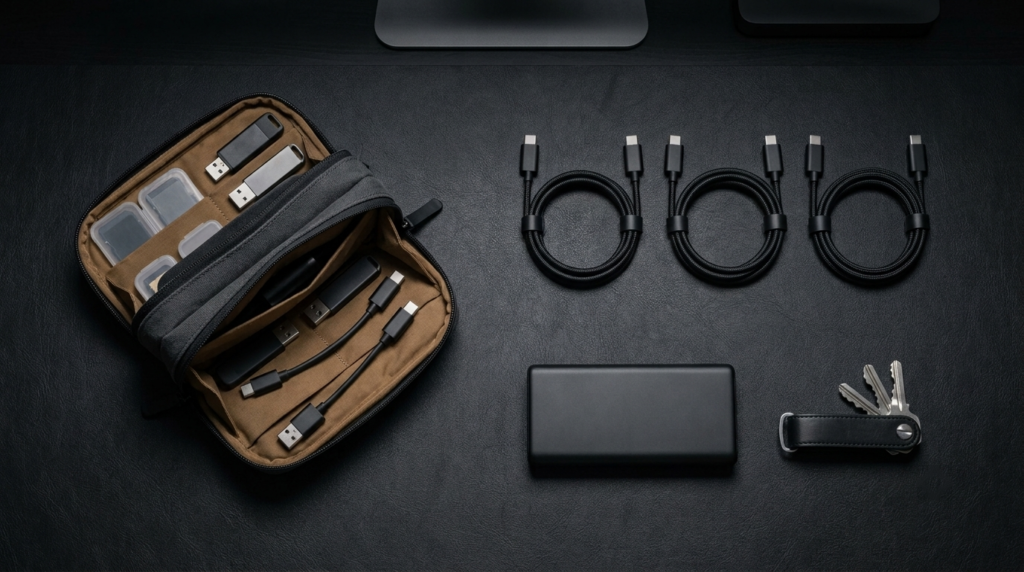
Key rings, carabiners, and compact key organizers reduce jangling and keep sharp edges away from your phone. Consider how many keys you carry and whether any are bulky, such as an electronic car fob that may not fit a folding organizer.
Some organizers make it harder to pull out a single key or require a small tool to add or remove keys, so check that yours still lets you unlock a door quickly. If you carry only one or two keys, a plain ring may be all you need.
3. Accessories That Simplify Charging and Connectivity
Chargers and Cables
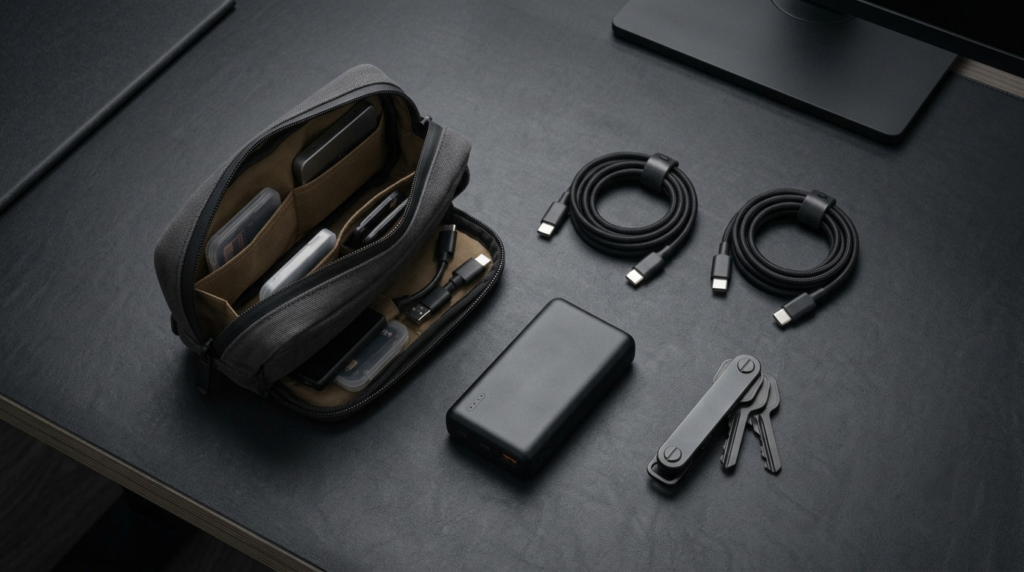
A charger and cable need to match your device in three ways: the connector, the charging standard, and the power your device accepts. Many current phones use USB-C, while older iPhone models use Lightning, according to Apple’s fast-charging page. USB Power Delivery is a common charging standard, but support varies by device, so check your device maker’s documentation.
The cable is part of the equation. The USB Implementers Forum (USB-IF) says USB Power Delivery can supply up to 240 watts over a full-featured USB-C cable, so a cable that physically fits the port can still limit charging power. Cables also differ in data speed, and Certified USB logos can show power, data performance, or both. A cable sold for fast charging is therefore not automatically a fast data cable. Look for a stated power rating, and for a stated data speed if you move large files.
Some multi-port chargers share their total output across ports, so check the product listing for what each port delivers when several devices are plugged in. Cable length is a trade-off too: a short cable is easier to carry, and a long one reaches farther from the outlet.
If your main concern is a phone, our guide on how to choose the right phone accessories goes deeper on USB-C, Qi, Qi2, and MagSafe.
Portable Power Banks
A power bank helps if you are regularly away from an outlet for long stretches, such as on long commutes or travel days. Larger capacity usually means more weight, while a pocket-size model offers a smaller top-up. Compare the output ports and the power they deliver with what your device accepts, and check the weight. If you spend most days near an outlet or a car charger, you may not need one. Rated capacity also differs from what you can actually draw, as the FAQ below explains.
4. Accessories for Carrying and Protecting Daily Essentials
Bags, Cases, and Protective Storage
Cases, sleeves, and dedicated bags protect electronics, eyewear, and documents from bumps and wear. A padded sleeve can cushion a laptop against knocks, and a rigid case can resist crushing for glasses, but protection varies by design, and a product description is not a test result.
Check your device’s exact dimensions so the fit is snug but not tight, and remember that each layer adds thickness. If your laptop already rides in a padded bag, a separate sleeve may be redundant.
Weather-Ready and Situation-Specific Accessories
Compact umbrellas, rain covers, and water-resistant pouches make sense when rain, snow, or splashes are a regular part of your routine rather than a rare possibility. “Water-resistant” is a looser term than “waterproof,” and the FAQ below explains what an IP rating does and does not cover.
5. How to Decide Whether an Accessory Is Worth Carrying
The table below connects each common problem to an accessory type, what to check, and the main limitation.
| Everyday Problem | Accessory Type | Selection Criteria | Important Limitation |
|---|---|---|---|
| Tangled cords and loose items in a bag | Small pouch or bag organizer | Compartment layout and fit inside your bag | An oversized organizer can make items harder to reach |
| Jangling keys and pocket clutter | Key organizer | Number of keys and car fob size | Can slow down pulling out a single key |
| Low battery away from an outlet | Charger, cable, or power bank | Connector, charging standard, power rating, weight | Charging speed depends on the charger, cable, and device together |
| Scratches or knocks to devices | Protective case or sleeve | Device dimensions, padding, rigidity | Protection varies by design and adds thickness |
| Rain or splashes on your routine | Compact umbrella or water-resistant pouch | How often weather actually affects you; stated water-protection details | “Water-resistant” does not mean waterproof |
Consider Frequency of Use, Weight, and Bulk
Every item you carry adds weight and takes up space, so ask how often you would actually reach for it. As a rough rule of thumb, which is an editorial judgment and not a tested threshold, an accessory that would sit unused for weeks probably is not earning its place in your everyday bag. Also consider whether leaving it at home, or keeping a second one at your desk or in the car, would solve the problem better.
Check Compatibility and Overlap
Confirm that the accessory fits your actual bag, device, and ports before you buy, then check whether it duplicates something you already carry. A dedicated cardholder is redundant if a jacket pocket already holds your cards, and a spare charging cable adds little if your power bank already includes one.
6. A Simple Checklist Before Adding Anything to Your Everyday Carry
- Problem: Can I describe what this solves in one sentence?
- Frequency: Would I use it often enough to notice if it were missing?
- Existing alternative: Is there something I own that could do this job?
- Compatibility: Does it fit my bag, my device, and my ports?
- Weight and bulk: Is the benefit worth carrying it every day?
- Overlap: Does it duplicate something already in my carry?
7. Frequently Asked Questions
Will a higher-wattage charger charge my phone faster?
Not beyond what your phone accepts. USB-IF says USB Power Delivery lets each device take only the power it needs, so a charger rated above your phone’s requirement is generally fine, but it will not push more power into the phone than the phone allows. Phone makers publish their own requirements. Apple, for example, lists different minimum adapter wattages for fast charging depending on the iPhone model, so check your maker’s documentation for its figure.
Why does a power bank deliver less than its rated capacity?
The mAh figure usually describes the internal battery cells, which run at a lower voltage than the 5-volt output many devices charge from, and some energy is lost in conversion. Anker, a power bank maker, explains that usable output is lower than the cell rating for these reasons and suggests comparing watt-hours for a like-for-like measure. Treat advertised mAh as an upper bound, not as a promise of how many full phone charges you will get.
Does “water-resistant” mean a pouch is waterproof?
No. IP ratings come from the IEC 60529 standard, which covers degrees of protection provided by enclosures for electrical equipment, so they mostly apply to products such as phones, earbuds, and power banks. A fabric pouch or umbrella often has no IP rating, which means “water-resistant” is the maker’s own description. If protection matters, look for a specific rating or stated test conditions.
8. Final Takeaway: Choose Accessories That Solve Real Problems
A good everyday accessory removes a problem you actually have without adding clutter you do not want. Before buying, pick the one annoyance that bothers you most this week, check whether something you own already fixes it, and only then look for an accessory that matches your bag, device, and ports.
9. Sources
- USB-IF: USB Charger (USB Power Delivery)
- USB-IF: Certified USB
- Apple Support: Fast charge your iPhone
- Anker Support: Why is the Rated Capacity of Power Banks Lower Than Expected?
- IEC: IEC 60529, Degrees of protection provided by enclosures (IP Code)
Last reviewed: October 12, 2026