When choosing between gaming headset connection types, you must use a wired 3.5mm cable or a specialized 2.4GHz USB dongle, because PS5 and Xbox consoles do not natively support standard Bluetooth audio. Even if you manage to pair standard Bluetooth headphones to a Nintendo Switch, the console restricts the microphone from working.
Quick answer
- PS5 and Xbox completely lack native Bluetooth audio support; the Nintendo Switch supports Bluetooth playback but disables the microphone.
- Check official limits via Xbox Support.
- Plug a 3.5mm headset directly into your controller, or use a console-specific 2.4GHz USB transmitter.
Why Standard Bluetooth Fails on PS5 and Xbox
If you have ever tried to connect your favorite pair of wireless earbuds to a modern console, you likely discovered a frustrating hardware limitation. Neither the PlayStation 5 nor the Xbox Series X/S supports direct Bluetooth audio pairing. This means standard Bluetooth headphones, regardless of how expensive or advanced they are, simply will not connect to these consoles out of the box. You cannot open the console’s settings menu and successfully scan for standard Bluetooth audio devices.
The primary reason for this strict restriction is audio latency. Standard Bluetooth protocols are designed to prioritize connection stability and audio quality for music or phone calls, which inherently introduces a noticeable processing delay. In fast-paced gaming environments, even a minor 150-millisecond delay creates a jarring mismatch between the visual action on your screen and the sound effects in your ears.
To eliminate this latency, console manufacturers rely on dedicated wireless protocols instead of standard Bluetooth. By skipping standard Bluetooth transmission entirely, companies can guarantee that audio remains perfectly synchronized with gameplay in real time. Because standard Bluetooth hardware cannot meet these strict real-time performance requirements, Sony and Microsoft omit native Bluetooth audio support from their hardware architecture entirely.
Furthermore, online gaming requires a continuous two-way data stream to handle both high-fidelity game audio and voice chat simultaneously. Standard Bluetooth struggles with bandwidth when transmitting high-quality stereo sound alongside active microphone input, often degrading the overall audio output to a narrow, telephone-like frequency. To protect the user experience from poor audio quality and severe lag, PS5 and Xbox systems simply block standard Bluetooth audio pairing at the system level. If you want to use existing Bluetooth headphones, you are forced to use a dedicated adapter that bypasses the console’s internal wireless radios.
Console Audio Compatibility Breakdown
Understanding the specific hardware restrictions of your system is critical before purchasing a new audio accessory. Every major gaming platform handles external audio connections differently, and assuming universal compatibility can lead to buying an adapter that simply refuses to work.
While the PlayStation 5 universally rejects native Bluetooth audio, it broadly supports standard external USB audio devices. The Nintendo Switch takes a slightly different approach; following a post-launch firmware update, the Switch does allow native Bluetooth audio playback. However, it completely disables microphone input over Bluetooth to preserve wireless bandwidth for its Joy-Con controllers. If you need to use voice chat on a Switch, you cannot rely on a direct Bluetooth connection. Meanwhile, the Xbox Series X and S consoles are the most restrictive, requiring either a direct 3.5mm controller connection or a USB transmitter embedded with their proprietary security protocol.
| Connection Type | PS5 | Xbox Series X/S | Nintendo Switch |
|---|---|---|---|
| 3.5mm Wired | Supported (via controller) | Supported (via controller) | Supported (via console jack) |
| Standard Bluetooth | Not Supported | Not Supported | Audio only (Mic disabled) |
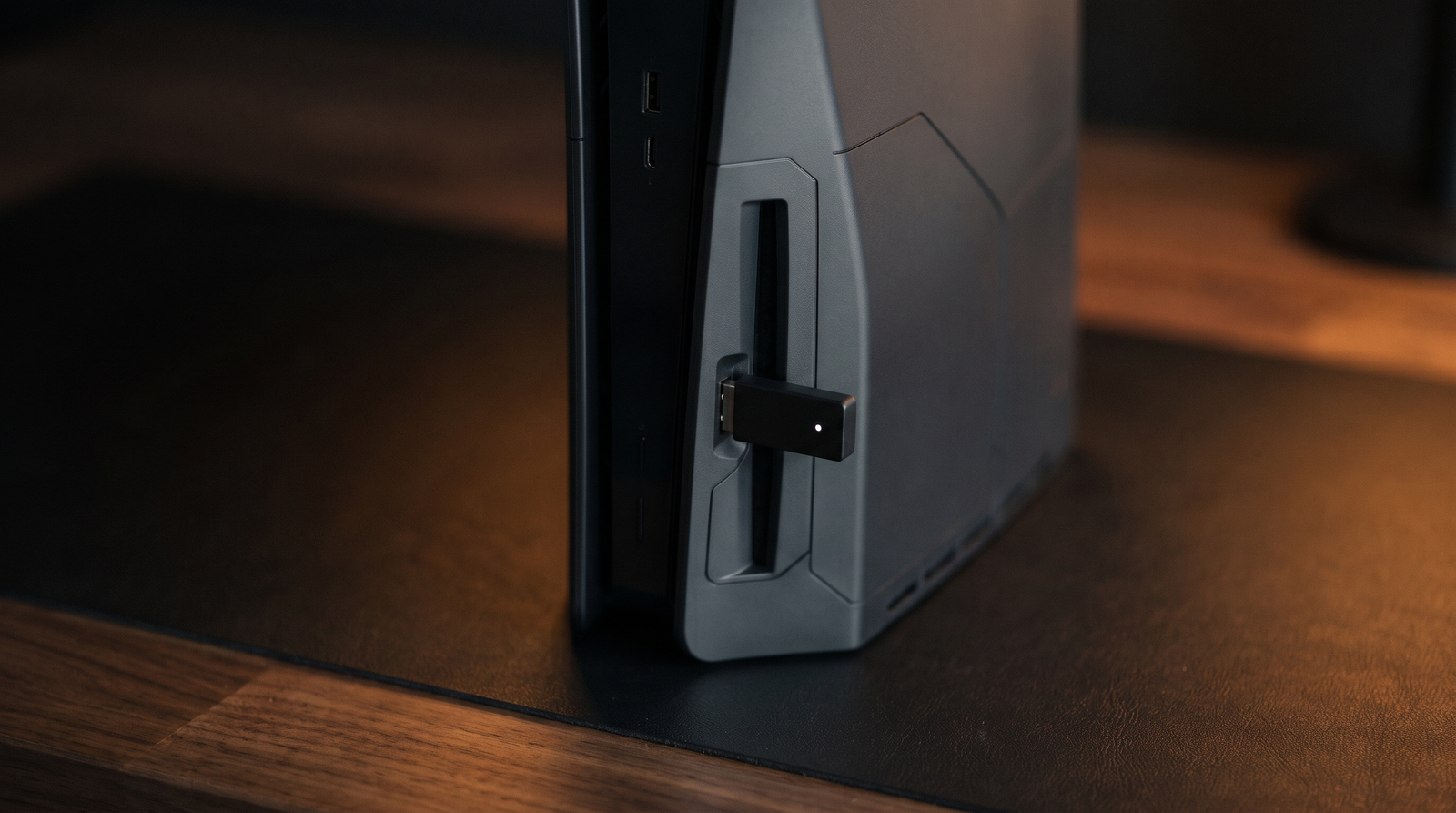
| 2.4GHz USB (Standard) | Supported | Not Supported | Supported (via dock) |
| 2.4GHz USB (Xbox specific) | Not Supported (unless multi-mode) | Supported | Not Supported (unless multi-mode) |
3.5mm Wired vs 2.4GHz USB Wireless Connections
When evaluating practical gaming headset connection types, most players ultimately choose between a traditional 3.5mm wired cable and a dedicated 2.4GHz USB wireless dongle to solve their connectivity problems.
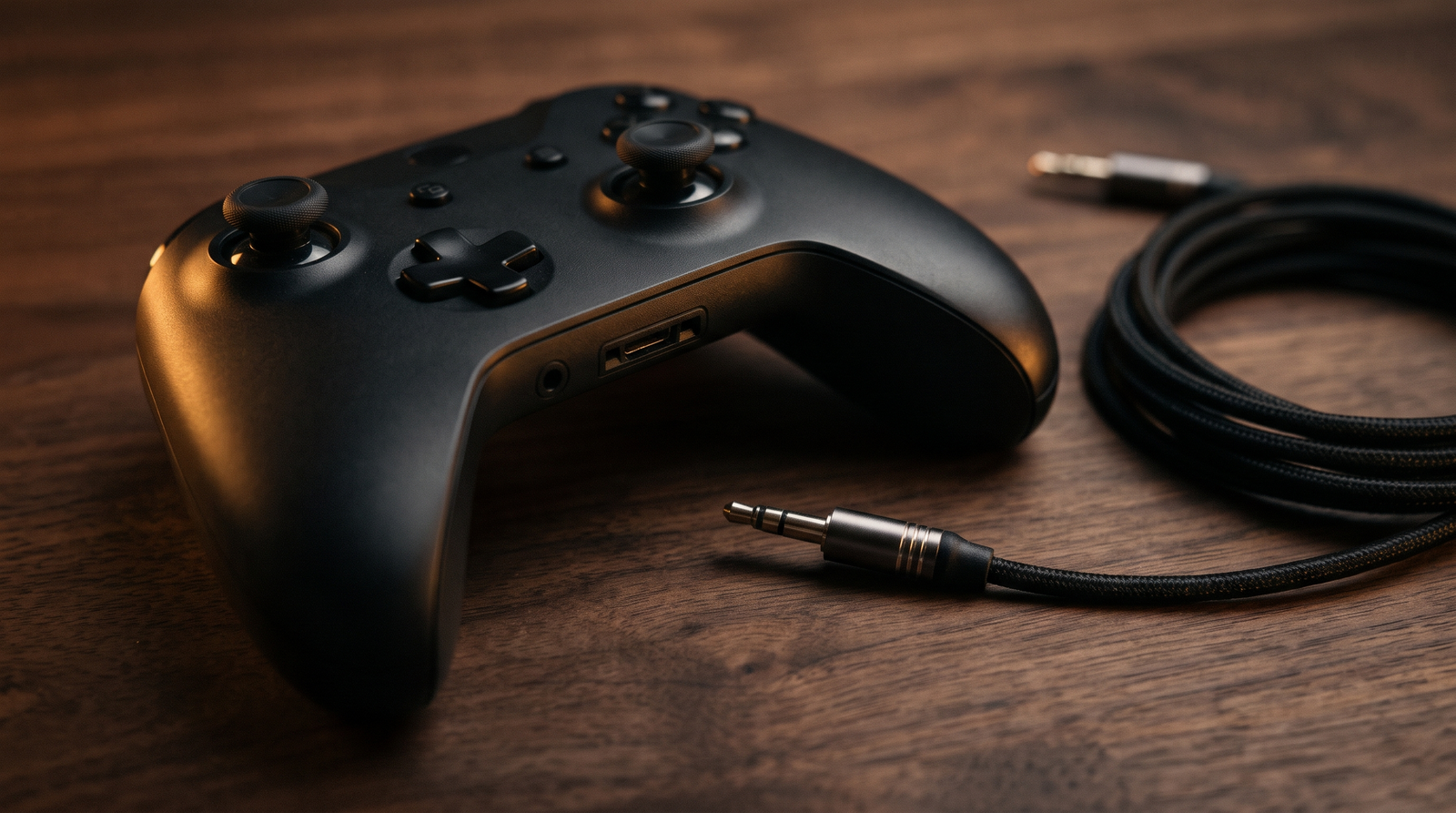
The 3.5mm wired connection remains the most universally compatible and reliable option across all major platforms. You simply insert the headset’s 3.5mm audio jack directly into the bottom port of your PlayStation DualSense or Xbox Wireless controller. This analog connection instantly transmits both high-quality game audio and voice chat without requiring any manual pairing processes or battery power for the headset itself. Because the controller handles the wireless communication with the main console, your headset effectively becomes wireless to the console unit, tethered only to the controller resting in your hands. If you frequently switch platforms, you may also want to review how to connect a PS5 controller to PC, iPhone, and Android devices to keep your entire gaming setup streamlined.
Alternatively, 2.4GHz USB wireless connections provide complete physical freedom from your hardware. This method requires plugging a dedicated USB transmitter dongle directly into the front or rear USB ports of your console. Unlike standard Bluetooth, 2.4GHz connections use a closed, low-latency frequency channel that perfectly synchronizes audio with gameplay while maintaining a wide bandwidth for clear voice chat.
However, you must pay close attention to hardware compatibility before utilizing a USB adapter. While PlayStation 5 and Nintendo Switch consoles generally accept standard 2.4GHz USB audio dongles, Xbox consoles enforce a strict security protocol that ignores standard transmitters. A standard USB audio dongle will simply fail to transmit audio on an Xbox. To function correctly, an Xbox-compatible wireless dongle must contain a proprietary Microsoft security chip, which is often indicated by a physical toggle switch on the transmitter body that allows you to change its operating mode from standard ‘USB’ to ‘Xbox’.
Always verify that a wireless USB dongle clearly carries the official “Designed for Xbox” label if you intend to use it with a Microsoft console.
Sources
- Turtle Beach: Can you connect Bluetooth headphones to Xbox?
- PC Guide: How to connect Bluetooth headphones to PS5
- HotHardware: Nintendo Switch Bluetooth Audio Support Limitations
- SCUF Gaming: How to connect your headset to an Xbox controller
Last reviewed: November 12, 2026