MagSafe vs Qi2 vs Qi: Which Wireless Charger Do You Need?
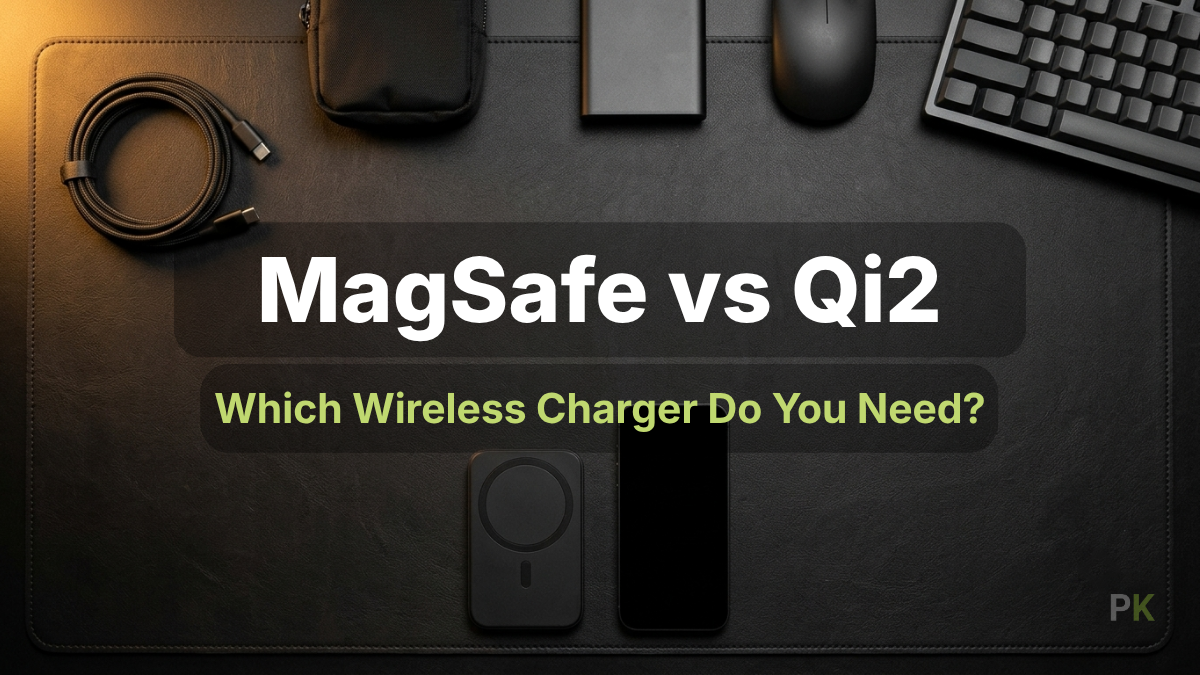
Conceptual outline of a magnetic wireless charger and a smartphone.

When deciding between magsafe vs qi2, the main difference is that MagSafe is Apple’s proprietary standard, while Qi2 is a universal magnetic charging standard that delivers the same 15W speeds to both supported iPhones and Androids. However, just because a phone supports Qi2 charging speeds does not mean it will magnetically attach out of the … Read more
How to Convert mAh to Wh for the Power Bank Airline Limit

A carry-on backpack with a power bank and travel documents on a dark desk.

Understanding the exact mah to wh power bank airline limit comes down to one international standard: portable chargers rated up to 100 Watt-hours (Wh) are permitted in carry-on baggage without prior airline approval. A hidden voltage trap exists, however. While many travelers assume any battery marketed near 27,000mAh is automatically flight-safe, models built with modern … Read more

How to Choose a USB-C Hub: Ports, Power Delivery, and Display Limits

Editorial flat lay of an unbranded multi-port USB-C hub and laptop on a dark desk mat.

To understand exactly how to choose a USB-C hub for K-pop media editing and general workstations, you must select a model supporting at least 4K at 60Hz video output and subtract roughly 15W from your wall charger’s rating to calculate your actual charging delivery. While packaging frequently advertises “100W Power Delivery,” that figure represents the … Read more

What Wattage USB-C Charger Do You Need for Your Laptop?

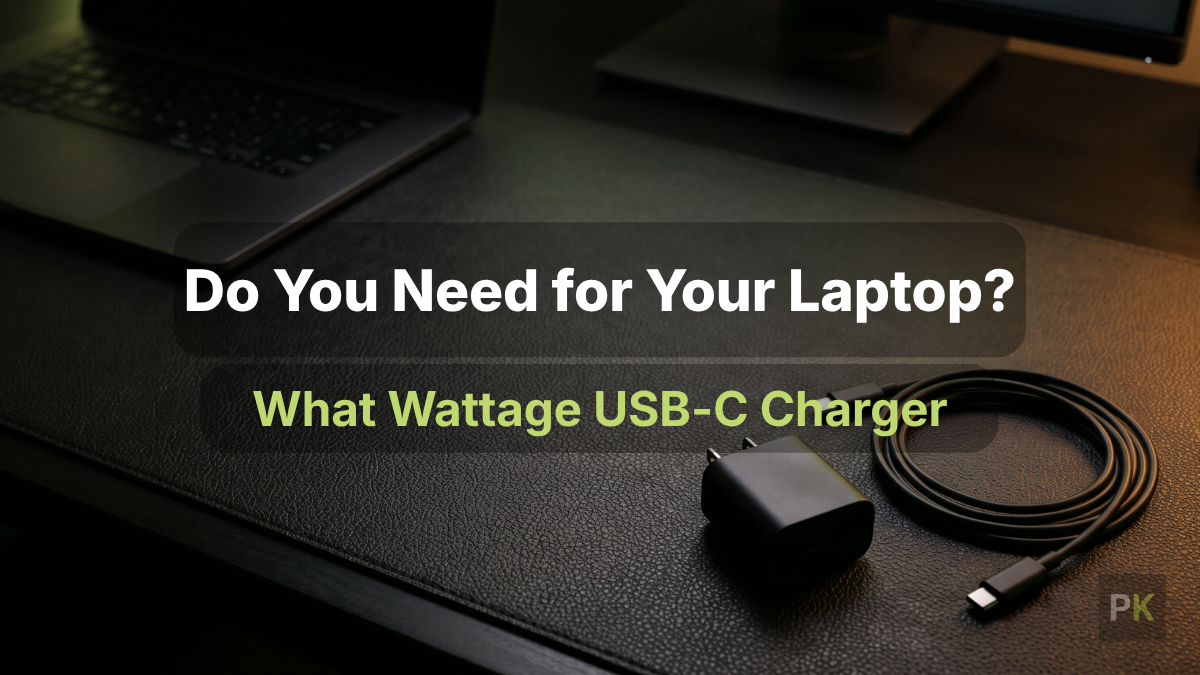
USB-C wall charger beside an open laptop on a dark desk

The right USB-C charger for laptop use is one rated at or above the wattage printed on your laptop’s original charger: thin-and-light laptops typically need 45W to 65W, while high-performance models need 100W or more. A higher rating is not a risk with a compliant charger, because the laptop and charger agree on a power … Read more

Best Budget Smartphone in 2026: Picks by Under Price

Generic black smartphone with a USB-C cable and wall adapter on a dark desk

The best budget smartphone in October 2026 is the Samsung Galaxy A17 5G if you want the longest update promise under $300, and the Google Pixel 10a is the stronger all-rounder if you can now spend $599. Prices for nearly every phone in this category rose during 2026, so this guide compares four phones sold … Read more

How to Store Charging Cables Neatly: Easy Organization Ideas

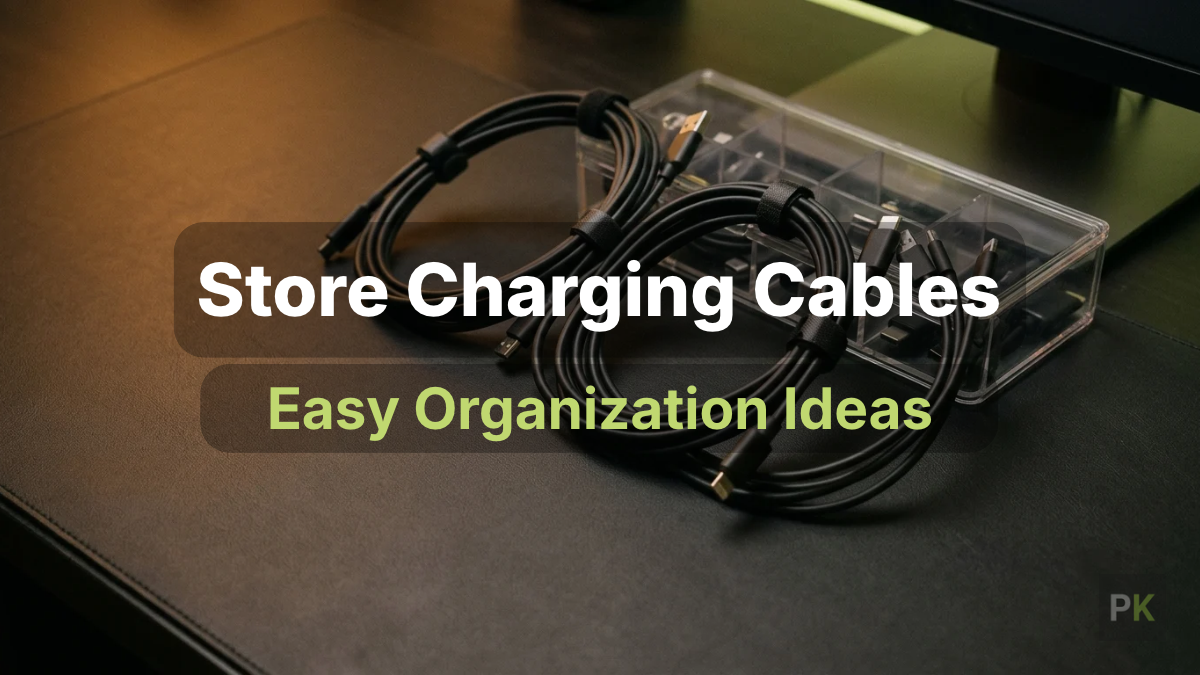
Loosely coiled charging cables with soft straps beside a divided drawer organizer on a dark desk mat

How to store charging cables without tangling or damaging them comes down to three habits: coil each cable in a loose loop, sort the cables by connector type, and give every group a fixed home in a drawer tray or zippered pouch. The loose loop matters more than the container. Tight wraps and sharp bends … Read more

USB-C Explained: Understanding Connectors, Cables, and Charging

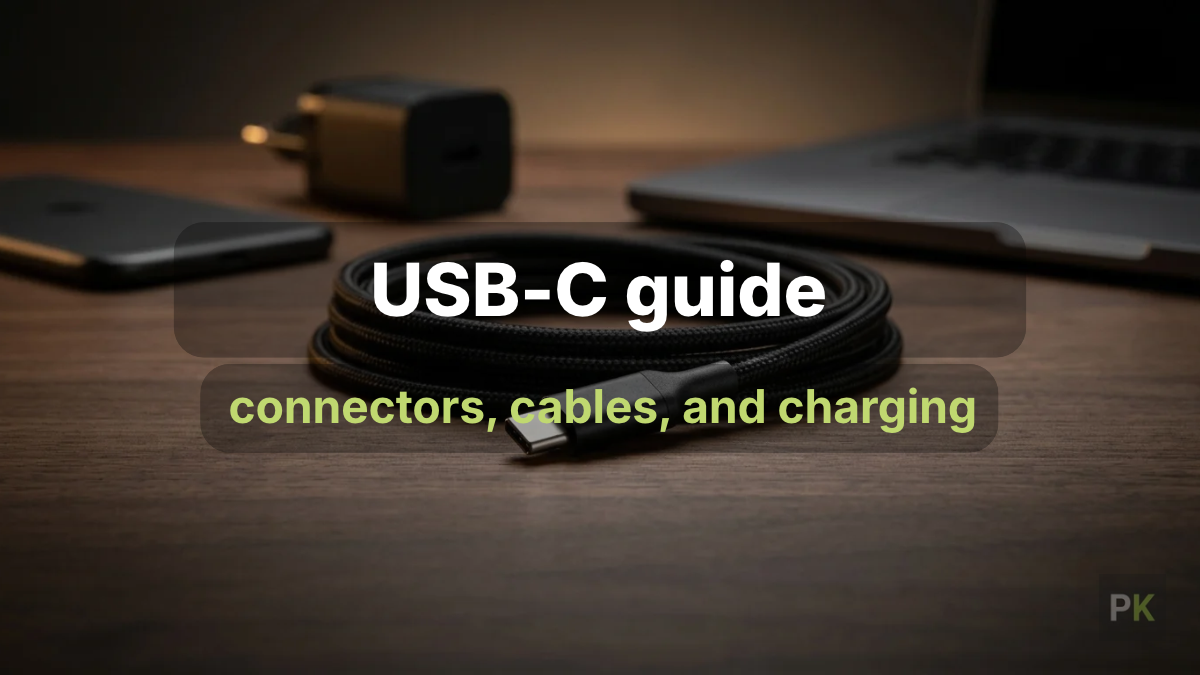
Matte black USB-C cable plug beside a compact charger on a dark desk

Two USB-C cables can look identical and behave completely differently: one charges a laptop at full speed, while the other barely keeps a phone alive. The plug is only a shape, and the power, speed, and video you get depend on the cable, the charger, the port, and the device working together. That gap between … Read more

Gaming Accessories That Can Help Keep Your Desk Organized

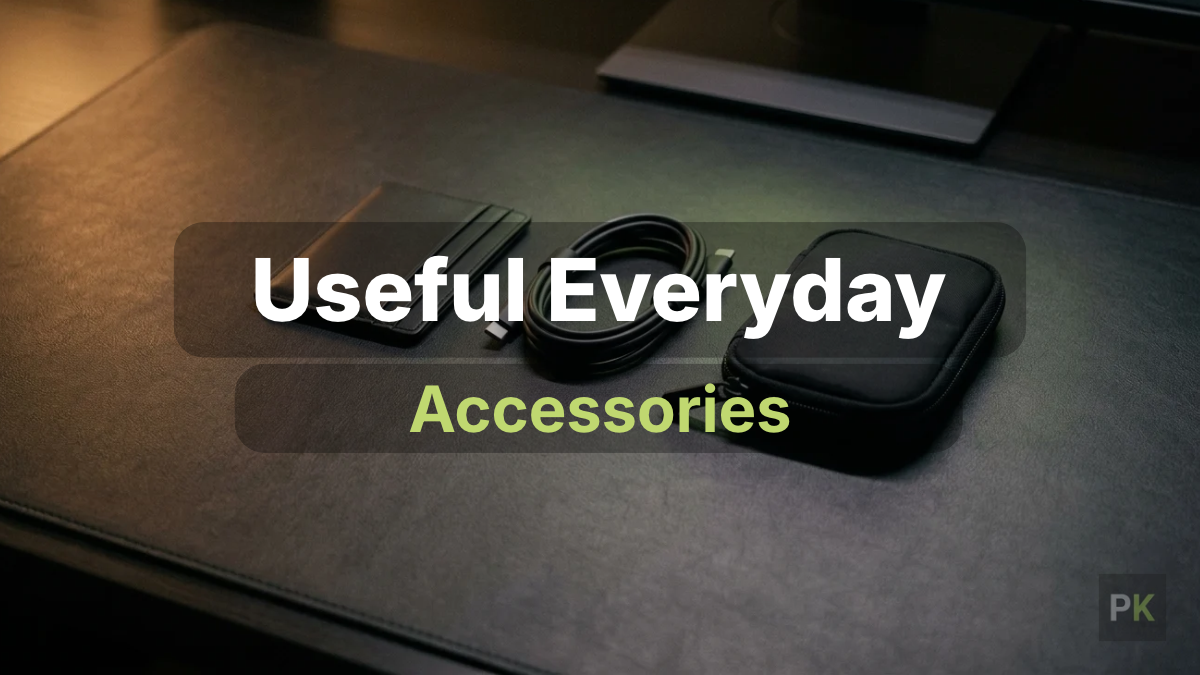
Generic matte-black desk accessories arranged neatly on a dark desk mat beside a monitor edge

Gaming desk organization starts with working out what is actually causing the mess, because cable tangles, loose peripherals, crowded ports, and a lack of surface space each need a different fix. Match the accessory to the problem, confirm that it fits your desk and your gear, and skip any purchase that simply rearranging what you … Read more